
CHECKLIST
Grab the Eartec headsets and insert the batteries.
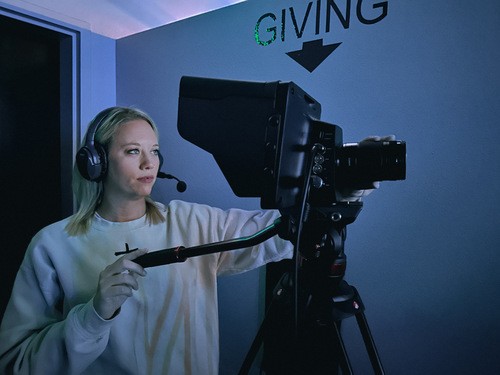
If you are the first team member to arrive, grab the Eartec headsets from the drawer in the media room. Insert a charged battery into each headset from the charging station by the Mac, then bring one headset to each camera: Left, CFL, and Top. Leave an additional headset by the computer for the Livestream Operator.
Be ready and check headset communication by 9:50 AM
By 9:50 AM, be in position with your headset on. Confirm that you can hear the other team members clearly and that they can hear you before the service begins.
Listen for the livestream cue
Pay attention to the Livestream Operator as the service begins. They will announce when the stream is live and identify which camera will be shown first. Make sure you are in position and have your shot framed before your camera is selected.
Follow camera directions and find engaging shots
Throughout worship, the sermon, and baptisms, the Livestream Operator may direct you to specific shots, but you should also use your judgment to find unique and engaging angles. Before switching to your camera, the Livestream Operator will give a short countdown.
Only freely pan, zoom, or reframe your shot when your camera is not live. When your camera is live, keep the shot still or use only a slow, smooth pan.
Only freely pan, zoom, or reframe your shot when your camera is not live. When your camera is live, keep the shot still or use only a slow, smooth pan.